Separate the features you need
List the tasks the watch must support: showing a saved route, locating your position, recording the activity or receiving an essential prompt. Then read the power-setting description for the exact model. A general economy label does not tell you which of those tasks remains unchanged. Do not assume that every watch uses the same compromise.
Garmin describes UltraTrac as reducing the GPS recording rate to extend battery life, with less track detail. That specific example shows why the setting needs to be understood rather than selected only for its estimated duration. Consult your own device’s manual for the available modes and the effects relevant to navigation.
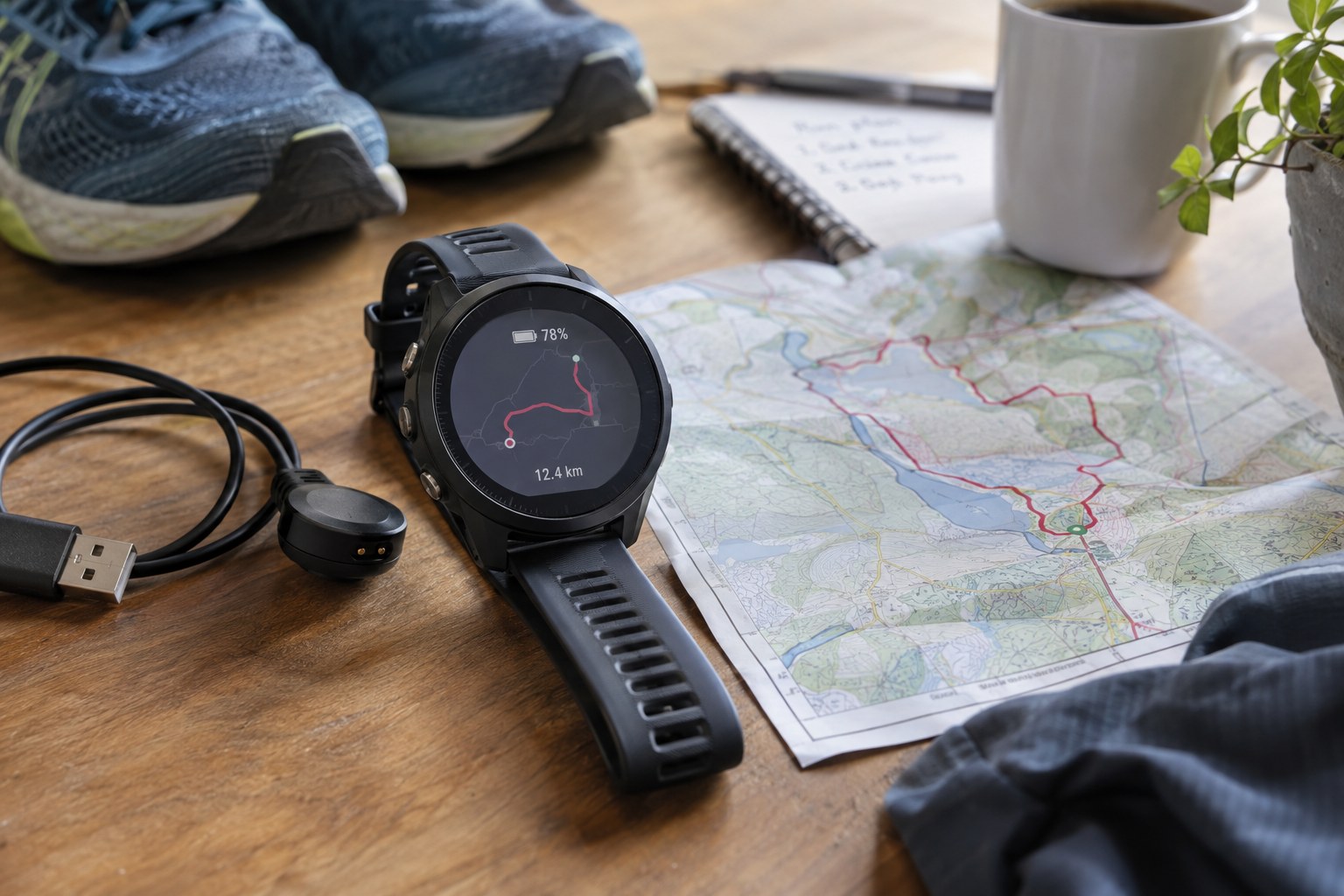
Test the route screen before departure
Load the intended route and verify it opens. Check that the map or track view you need is available under the chosen settings. Use a familiar local test to learn the controls and behaviour without making a remote return depend on an untried configuration. Avoid changing several settings immediately before a long outing and assuming the displayed battery estimate settles every question.
Compare the information with a separate map at a safe stop. The watch is one tool, not the whole route plan. Keep a backup appropriate to the outing and know the main return options. A power mode that extends recording but removes information you rely on may be the wrong trade-off for that particular route.
Rehearse the decision at a junction
Choose a familiar local fork and approach it using the intended watch profile. Stop safely and identify the correct branch from the screen and visible landmarks. Check how easily you can return to navigation after looking at another data page. If the display does not give enough context, use the wider backup map; do not compensate by repeatedly walking into different branches to see which one makes the track look right.
Keep the test separate from a claim about location accuracy or battery endurance. It establishes whether you understand the chosen interface in a known situation, not how it will behave on every hillside. Record any setting you change during the rehearsal and restore the intended profile before the outing. If a software update changes menus or defaults, repeat the relevant part of the test. A saved route that still appears in the list does not prove that every surrounding navigation and power setting remains as you left it.
Reduce unnecessary use without hiding essentials
Review optional screen behaviour, notifications and other features using the supported controls. Change only what you understand and keep the important information readable. Saving a little power by making the screen difficult to use can lead to longer checks and more distraction. Do not disable a feature merely because it appears in a generic battery checklist online.
Before leaving, confirm the charge, selected activity profile and route again. Carry a compatible charging arrangement only if it is suitable and tested, and do not count on being able to operate the watch normally while charging unless its instructions support that. After the outing, note the mode and duration as one observation rather than a universal runtime guarantee. Recheck after software or equipment changes that affect the setup.