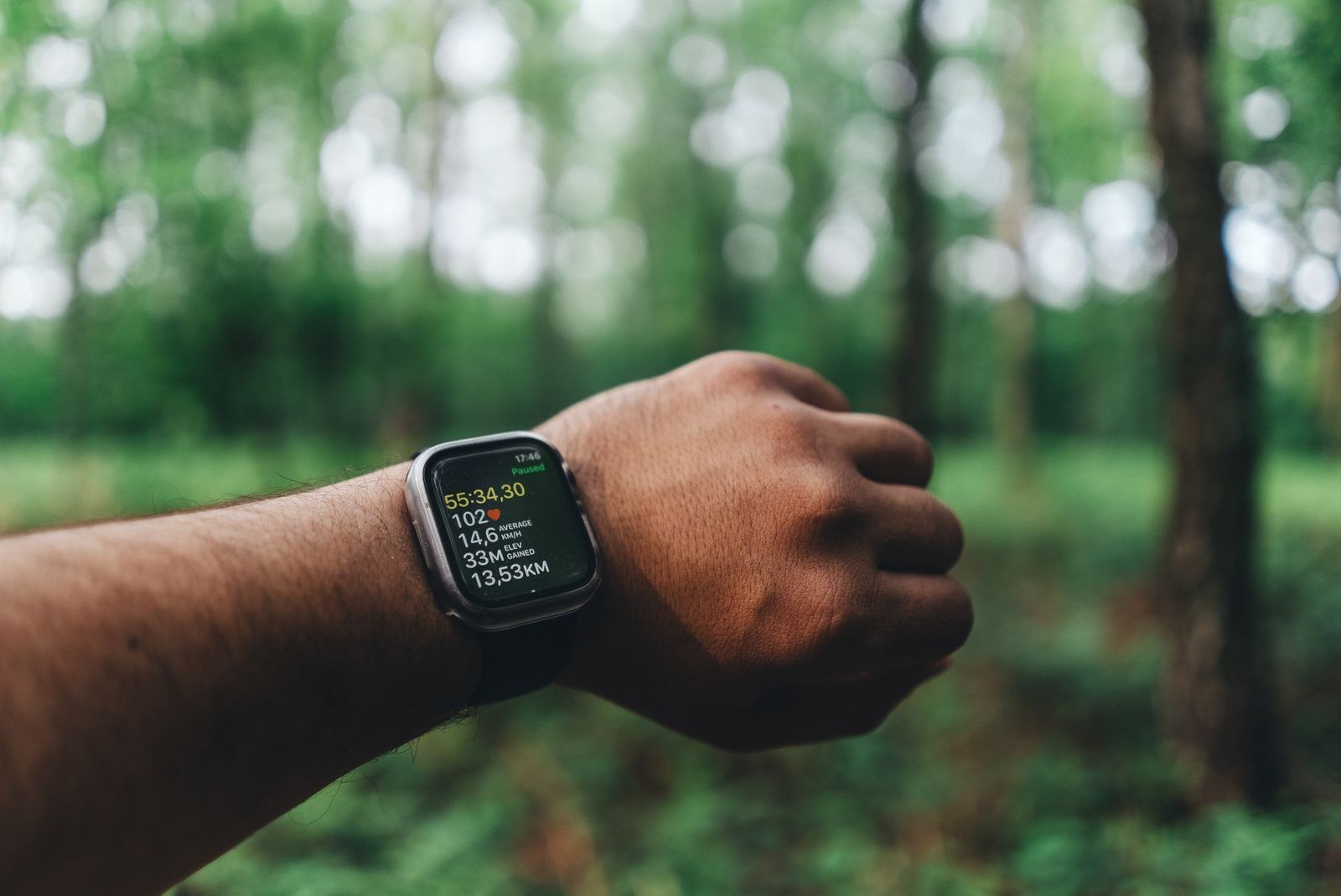
Separate the display from the movement
Notice whether the number jumps while your effort and the ground remain similar. If it does, resist the urge to accelerate immediately. A few seconds spent chasing a doubtful display can turn an otherwise steady outing into a sequence of unnecessary corrections.
Garmin's support guidance notes that environmental conditions, including dense tree cover, can affect GPS-derived distance, speed and pace. That supports a cautious reading of the number; it does not mean every slow split under trees is an error. Terrain and effort can also genuinely change.
Look at the field name. Current pace, lap pace and average pace answer different questions. If you have recently pressed a lap button or changed screens, the new value may cover a different period. Check your device's manual at home rather than trying to decode a small label while navigating a busy path.
Use another reference when the number is doubtful
For an easy outing, return attention to the intended effort and the route. For a timed session, use the appropriate planned landmarks or lap arrangement rather than repeatedly changing speed to match an unstable screen. A known start and finish can be more useful than watching every update.
Do not assume a smoothed average proves the underlying distance is exact. It may be easier to read while still depending on the same recording. Use it as information with limits, not an independent confirmation.
If a device repeatedly behaves unexpectedly, follow the manufacturer's instructions for acquisition, settings and troubleshooting. Avoid changing several settings at once. Make one documented change on a familiar route so that the comparison has some meaning.
Investigate one repeatable anomaly
Imagine that the pace display suddenly becomes much slower near the same building on several outings, then changes again after the next corner. Record the location and the field you were watching. That is a useful description to compare with the manufacturer's guidance; a general complaint that the watch is inaccurate gives you less to investigate.
On a familiar outing, keep your ordinary intended effort and observe whether the pattern returns. Do not accelerate toward the building to force a more satisfying number, and do not turn the investigation into a demanding test. You are checking how the display behaves in context, not trying to establish laboratory accuracy.
Afterwards, compare the recorded line with the route you actually followed and inspect whether a pause or a lap reset coincides with the change. If you changed several settings between visits, note that the comparison cannot isolate one cause. A single documented adjustment is easier to interpret.
Decide what the finding changes in practice. You might stop consulting current pace on that section, use a different screen or ask the manufacturer about the behaviour. You do not need to discard the whole activity or invent corrected kilometre splits. A limited observation can justify a limited change in how you use the device.
Review the record without repairing your run
Afterwards, inspect whether the mapped trace matches obvious features of the route and note any section where the display seemed unreliable. You do not need to invent a corrected pace for every point.
Keep the original context with the activity: wooded section, urban canyon or a pause while finding the route. If two devices disagree, that alone does not identify which is right. The useful result is understanding when the display helps your decisions and when you should avoid letting it dictate them.